
Q1: How can I import contacts from my mobile app?
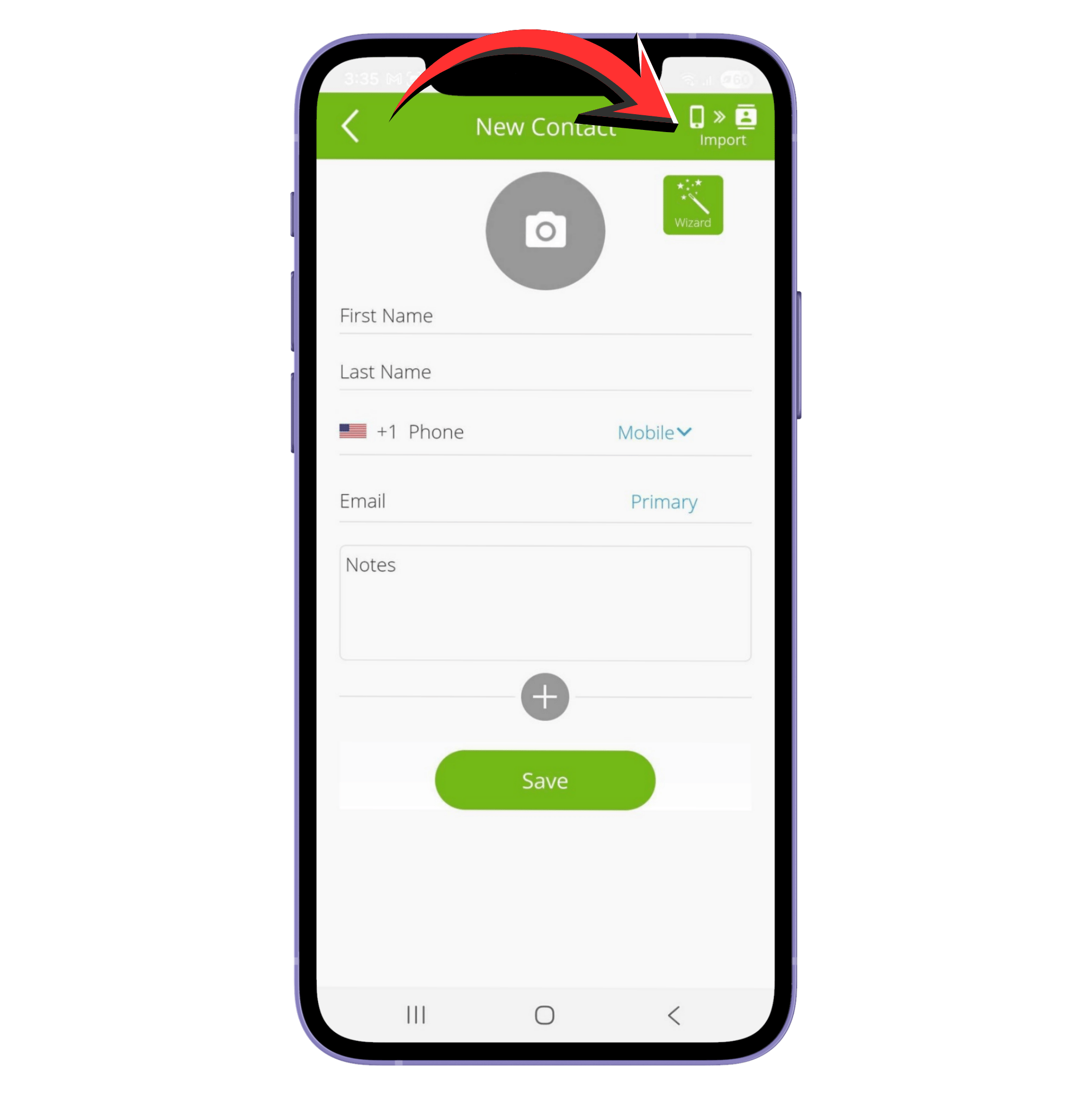
You can import contacts directly from your mobile app. To do this:
- Tap the Add Contact icon (person with plus sign) at the bottom middle of the app.
- Tap Import at the top right corner to access the contacts saved on your device.
- Make sure to allow the app access to your contacts for this to work.
Note: On Android, you have the option to import one contact or multiple contacts at a time.
Q2: Can I import contacts via CSV?
Yes, you can import contacts via CSV, but our team will handle the upload for you. To make sure the import works correctly:
- Make sure that your CSV file headers follow the required format found here: CSV Template
- If you want to assign the contacts to a label, create the label in your account first. Then include the label name when sending the CSV file to us.
- To submit your CSV, tap the chat icon, select Chat with an agent, attach the CSV file, and indicate the label (if applicable).
Did we answer your question? If you need more help, please tap the chat icon, and we’ll be happy to assist you.