
Q1: What is the Monthly Leads Program?
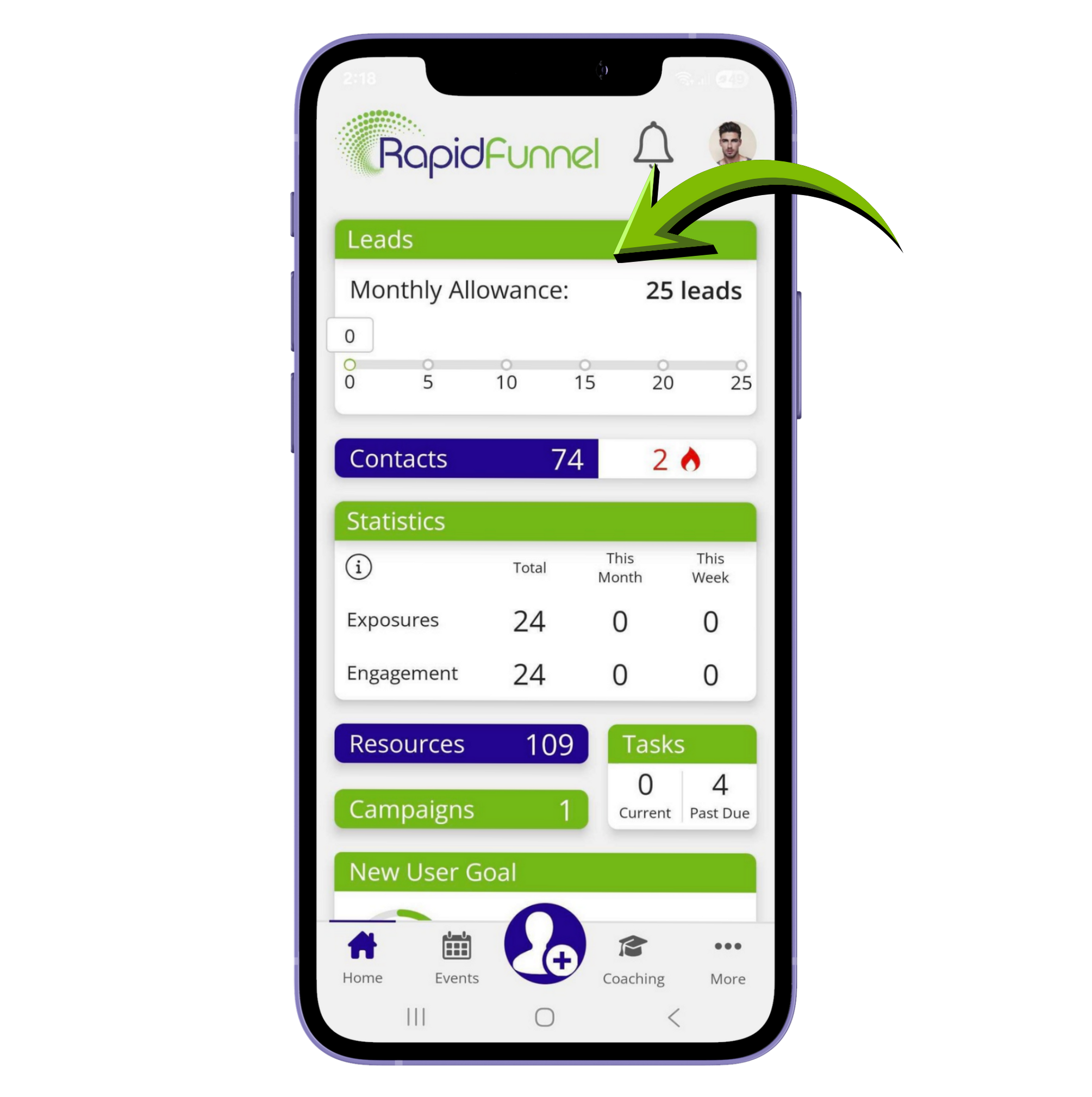
The Monthly Leads Program helps Pro users get opportunity leads every month, delivered directly to the app. Leads are prospects who have shown interest in business opportunities, giving you a consistent source of potential customers.
Q2: Who is eligible for leads?
Leads are available for Pro users. If you are subscribed to a Pro trial, you can access your leads as soon as the trial ends, or you can skip the trial by tapping Skip Trial on the Home Screen.
Note: The Monthly Leads feature needs to be enabled in your account. If it isn’t, contact your Client Success Manager at support@rapidfunnel.info to get it set up.
Q3: Where can I see my leads?
- Leads are available only on the mobile app.
- Go to the Home Screen, tap Leads Dashboard to see your current batch of leads.
- Tap on any lead to see your next steps.
Q4: How are leads delivered?
Leads are delivered in small batches of 5 at a time. As you work through each batch, the next set of 5 leads will appear. This helps you build a simple, consistent habit of reaching out without feeling overwhelmed.
Q5: When are new leads generated?
New leads are generated at 12:00 AM UTC on the first day of each month. Depending on your time zone, you may receive the leads a few hours earlier. *For example: If you’re in Mountain Time, you’ll get the next batch at 5:00 PM on the last day of the previous month.
Q6: I am on the Pro version of the app but can’t find the leads.
If leads are enabled in your account and you’re a Pro subscriber but still can’t see them, try logging out and back into the app. To do this, tap More → Logout, then log back in. f you still don’t see your leads, tap the chat icon in the app and send us a message so we can assist you.
Q7: How do I reach out to leads?
Each lead comes with pre-written messages to help you break the ice and start conversations. You can send these messages via email or SMS, and you can edit them before sending to make them sound like you.
Q8: What happens after sending a message?
- Once you send a message, the lead is marked as Exposed.
- The app automatically adds the lead to your Contacts list.
- To find them later, go to Contacts → Filter icon → Filter by Label → lead-service to see all Monthly Leads.
Q9: How should I manage and follow up with leads?
Take daily action and follow up consistently. Leads are lost if left untouched, so acting quickly ensures you don’t miss opportunities. If a lead isn’t interested, move on and keep momentum—consistency is key to building confidence, good habits, and results.
Did we answer your question? If you need more help, please tap the chat icon, and we’ll be happy to assist you.