
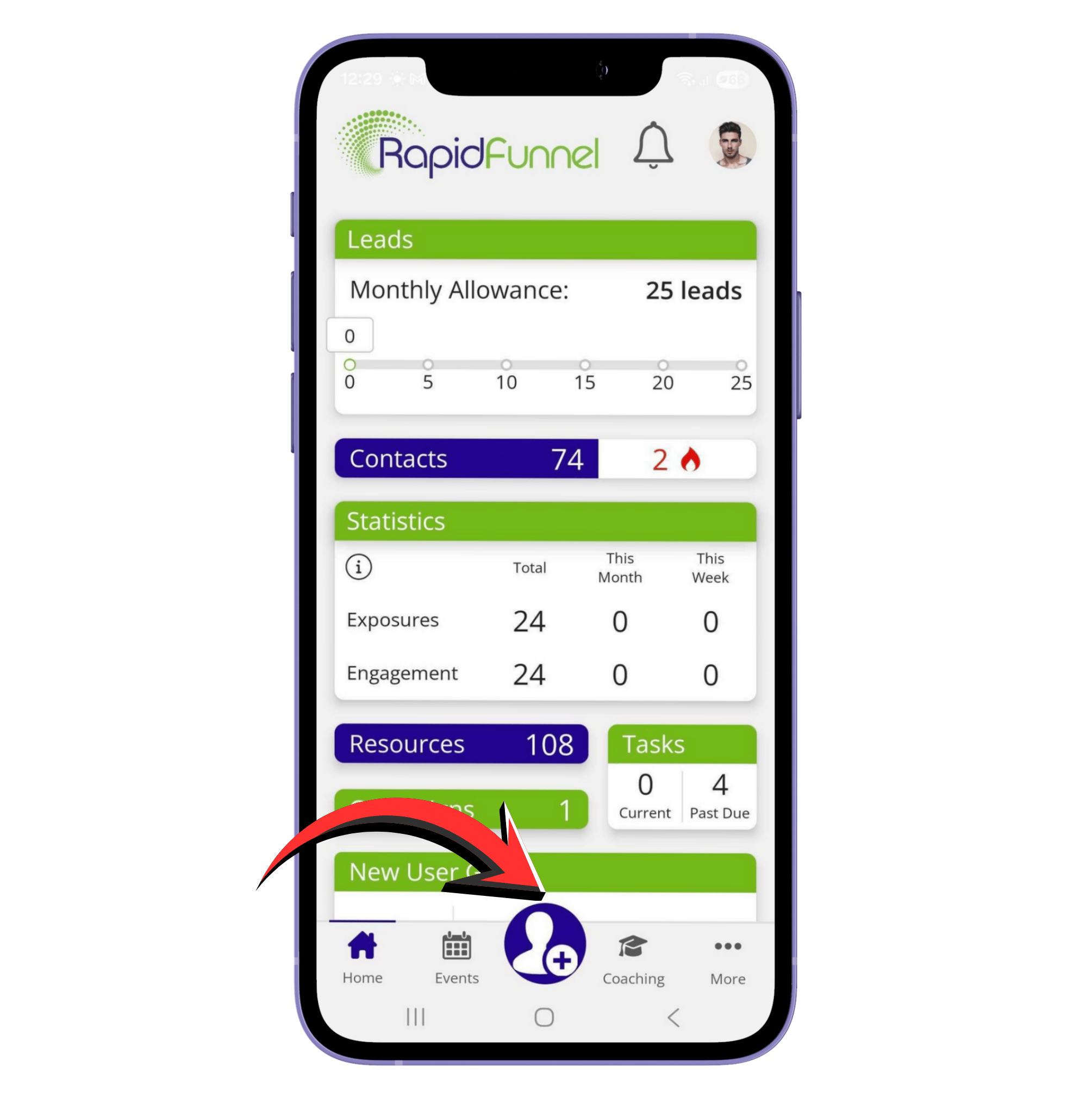
Mobile App Instructions:
- Open the app on your phone.
- Tap the Add Contact icon at the bottom center.
- Choose how you want to add the contact:
- Add Manually: Type in the first and last name, phone number, email, and add a profile picture if you like.
- Import From Your Phone: Tap the Import button at the top right to bring in contacts saved on your phone.
Optional Details When Adding Manually:
- Notes: Jot down any important information about the person.
- Labels: Organize contacts into groups.
- Star Rating: Rate your contact (e.g., 5 stars).
- Significant Dates: Keep track of birthdays, anniversaries, hire dates, or other special dates.
Note: You don’t need to fill everything out—a first name is enough if you just met someone, like on social media.
- Tap Continue to save the contact.
Did we answer your question? If you need more help, please tap the chat icon, and we’ll be happy to assist you.